Trusting the One Tool Rule Them All
Cybersecurity presents a paradox: we are taught to be wary of everyone online, yet we’re expected to trust one application with all our passwords.
That’s a BIG ask.
Password managers claim to offer both convenience and security. They eliminate the need for sticky notes, memory tricks, and risky repeated logins. Yet, handing over the credentials to your digital life may feel risky, as if you’re leaving your house key under someone else’s doormat.
Even people who are good with technology feel this hesitation. Trusting one place with everything can seem like putting all your eggs in one basket.
How Password Managers Actually Work
At their best, password managers create a secure vault for your passwords. This vault is protected by a master password that only you know.
They use zero-knowledge encryption, so even the company that stores your vault cannot see your data.
That’s how it’s supposed to work. In reality, people hesitate because of things like:
- High-profile breaches (e.g., LastPass, 2022)
- Syncing fears (“What if my vault gets intercepted?”)
- Human error (“What if I forget my master password?”)
Even though the underlying technology is strong, public trust wavers each time a major breach is reported. People remember negative headlines more than encryption details.
Control vs. Convenience
Using a password manager isn’t just a technical choice; it’s also a psychological one.
Humans like to be in control, especially when it comes to security. We equate manual effort with safety. Typing passwords ourselves feels safer than letting software do it, even when we know the software is objectively smarter than we are.
However, for many, convenience ultimately prevails: after trying a password manager, the newfound ease often surpasses early distrust.
This dynamic shows that modern security requires balance: people want independence, but security improves with some delegation to trusted tools.
When Trust Breaks Down
No password manager is immune to risk, but relying on weaker alternatives such as reused passwords or predictable patterns leaves you even more vulnerable. Minimizing trust is about minimizing risk, not eliminating it.
If a vault provider is breached, attackers still face encryption. But if you reuse one password across five sites, there’s no barrier at all.
So, it’s less about trusting the tool absolutely, and more about managing where that trust sits:
- Choose providers with open security audits.
- Enable MFA on your vault.
- Keep the master password offline, not saved, not synced.
The core issue isn’t the tool itself, but the risk of blind faith. Sometimes, people subconsciously seek blind faith from such tools.
Zero-Trust Starts with You
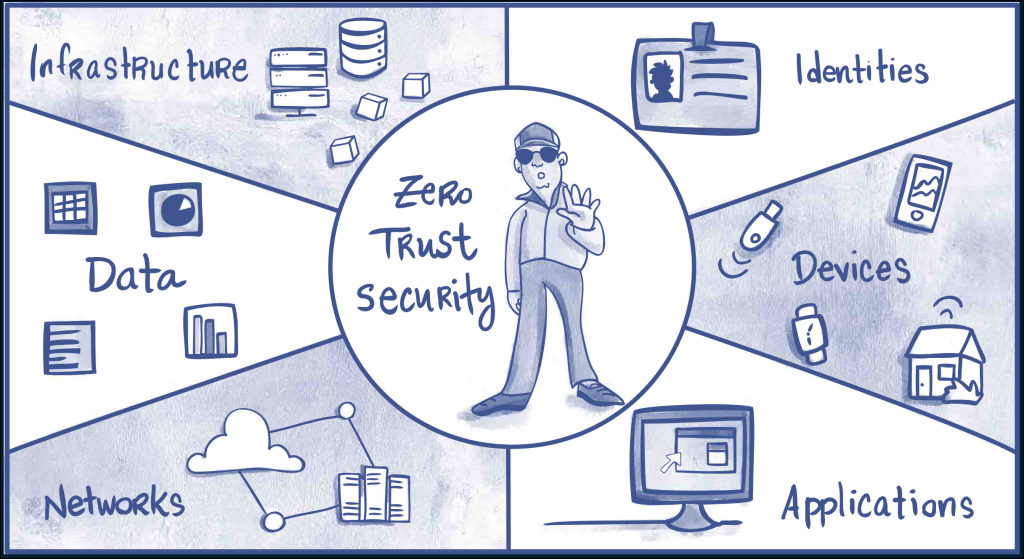
Zero-trust isn’t just a corporate buzzword; it’s a mindset. Assume every system can fail. Build layers so failures aren’t fatal.
For password managers, apply zero-trust this way:
- Separate critical credentials (server logins, service accounts, etc.) from general logins.
- Regularly export and back up encrypted copies to an offline location.
- Keep MFA active everywhere.
Aim for persistence and resilience, not perfection.
Culture Over Blame
We often criticize people for using sticky notes, but we don’t always show them better ways.
Security maturity grows when using a password manager feels normal, not nerdy. Encourage colleagues and family to use them and to question them. Healthy skepticism keeps systems honest.
A culture of curiosity always beats compliance.
Final Thought
Zero-trust is about choosing where to place your trust, not avoiding it altogether. Good judgment is at the heart of modern security.
Password managers aren’t a magic fix. They’re just one important layer of security, and they work well if you stay alert.
In the end, good security comes from making careful, informed choices about trust, not just believing in technology without question.
That’s not being skeptical, that’s working to overcome modern-day trust issues in a zero-trust world.


 Matt Shannon, Security Pro